








Map Large Areas in Minutes

We use AI models to create persistent, intelligent maps that enable  spatial understanding across diverse environments. Effortlessly capture  large venues in minutes with seamless scanning sessions that merge  efficiently, allowing teams to cover extensive areas faster and produce  comprehensive, highly accurate 3D maps.

What is 3D Mapping?

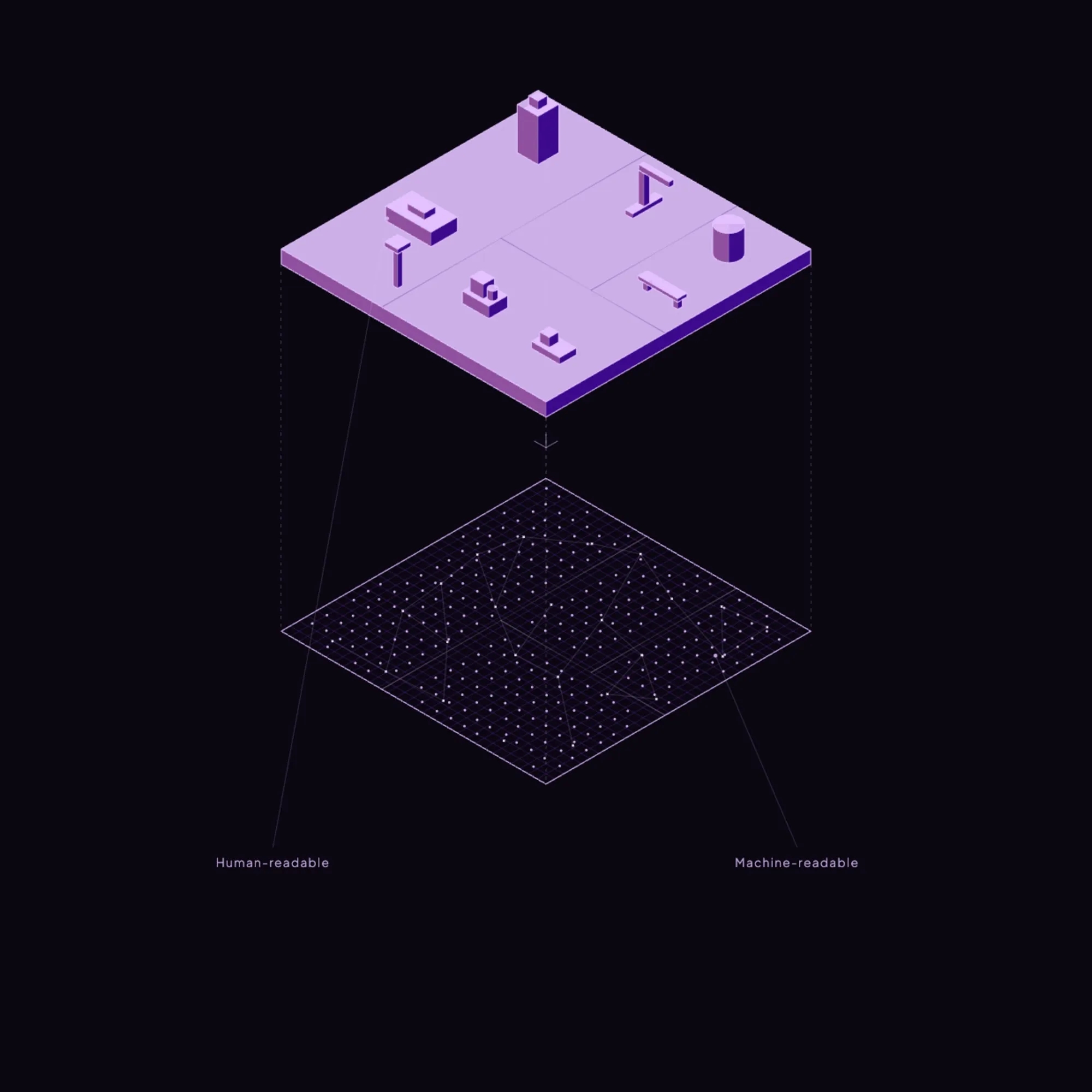
MultiSet analyzes 3D scans of your building to create a "fingerprint" of the environment. This digital fingerprint allows devices to instantly recognize where they are by comparing what their camera sees to this pre-built map—enabling accurate navigation without GPS

How it works

SCAN
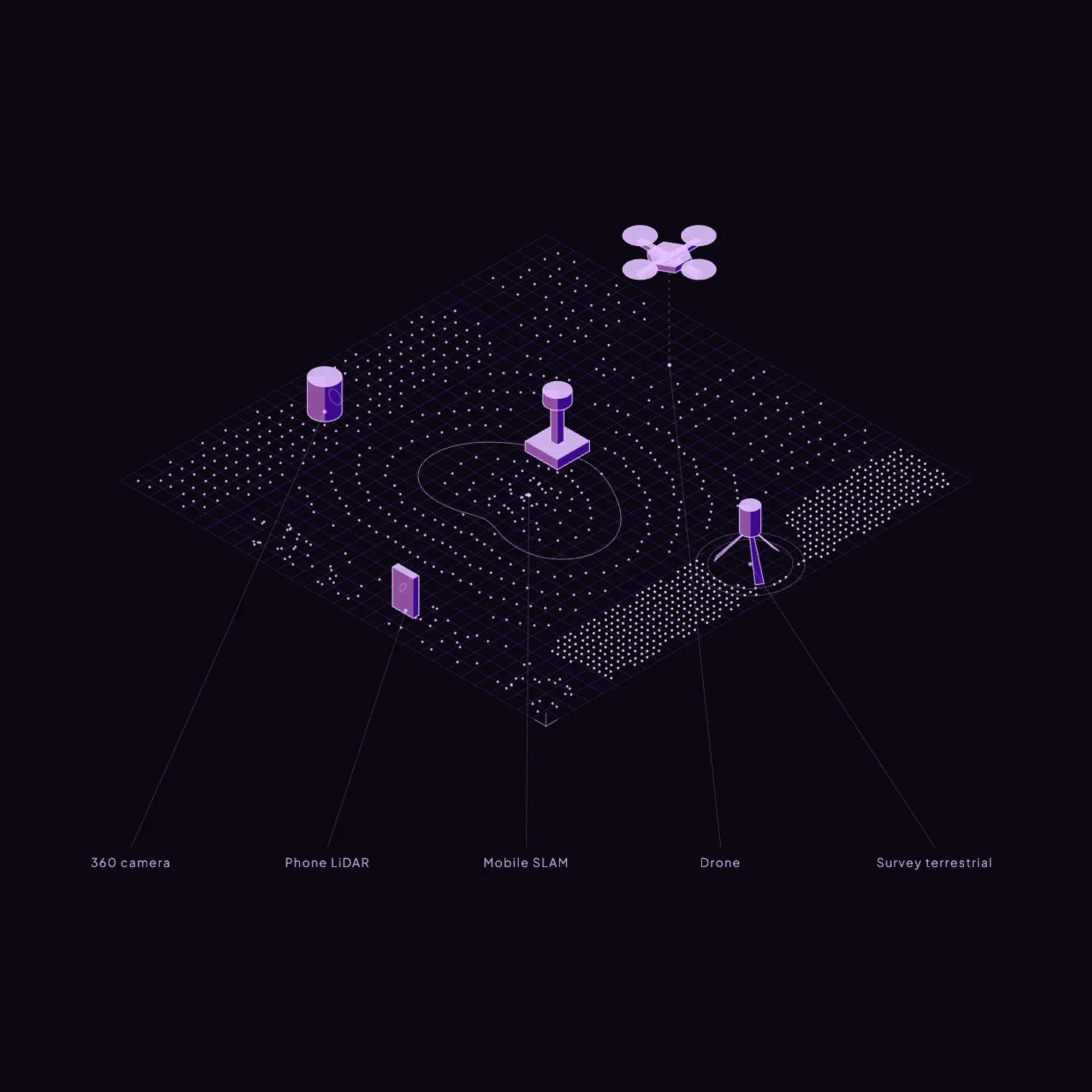
Capture on device or import existing scans - scan-agnostic ingest gets mapping started immediately.
NORMALIZE
Vision Fusion denoises and scale-aligns to produce VPS-ready maps calibrated for sub-5 cm localization.
STITCH
MapSet unifies floors and campuses into one coordinate system and publishes for instant, low-latency 6-DoF localization.
MultiSet iOS Mapper
Scan objects with Polycam, Scaniverse or any scanner that outputs GLB &  PLY with textured meshes to MultiSet; Vision Fusion normalizes them into object trackers on one high-fidelity map on a unified coordinate system so teams can use the hardware they already own.
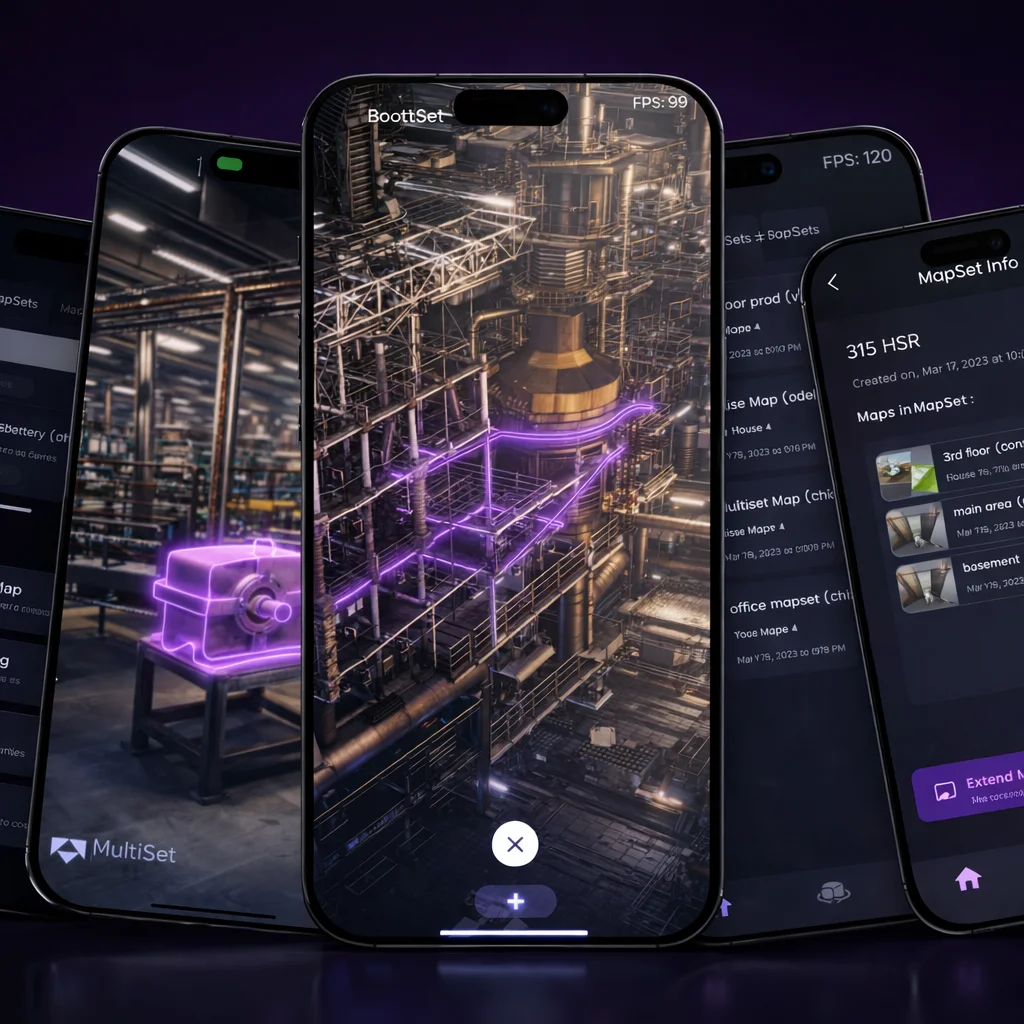
Four smartphones displaying a 3D industrial facility model with interconnected pipes highlighted in purple and dark-themed app interfaces with tools and maps.
Diagram showing a central purple hexagon connected to icons and text representing NaVis, Leica Geosystems, Indoor Navigation, AR data overlay, Location Tracking, MatterPort, and iPhone/iPad.

Bring Your Own Digital Twins

Already have 3D maps? With our hardware-agnostic platform, you can seamlessly  integrate your existing maps like E57 files into our system. Enhance  your spatial understanding and unlock features like visual localization - all without the need for additional hardware.

Platforms supported:

• Matterport
• Leica
• NavVis
• XGrids
• Faro
• Custom​
Contact Us
Scan-Agnostic Mapping

Use LiDAR, E57, Textured Meshes & More

Bring any reality-capture source. MultiSet’s Vision Fusion pipeline normalises them all, so your teams can focus on building experiences, not data wrangling.

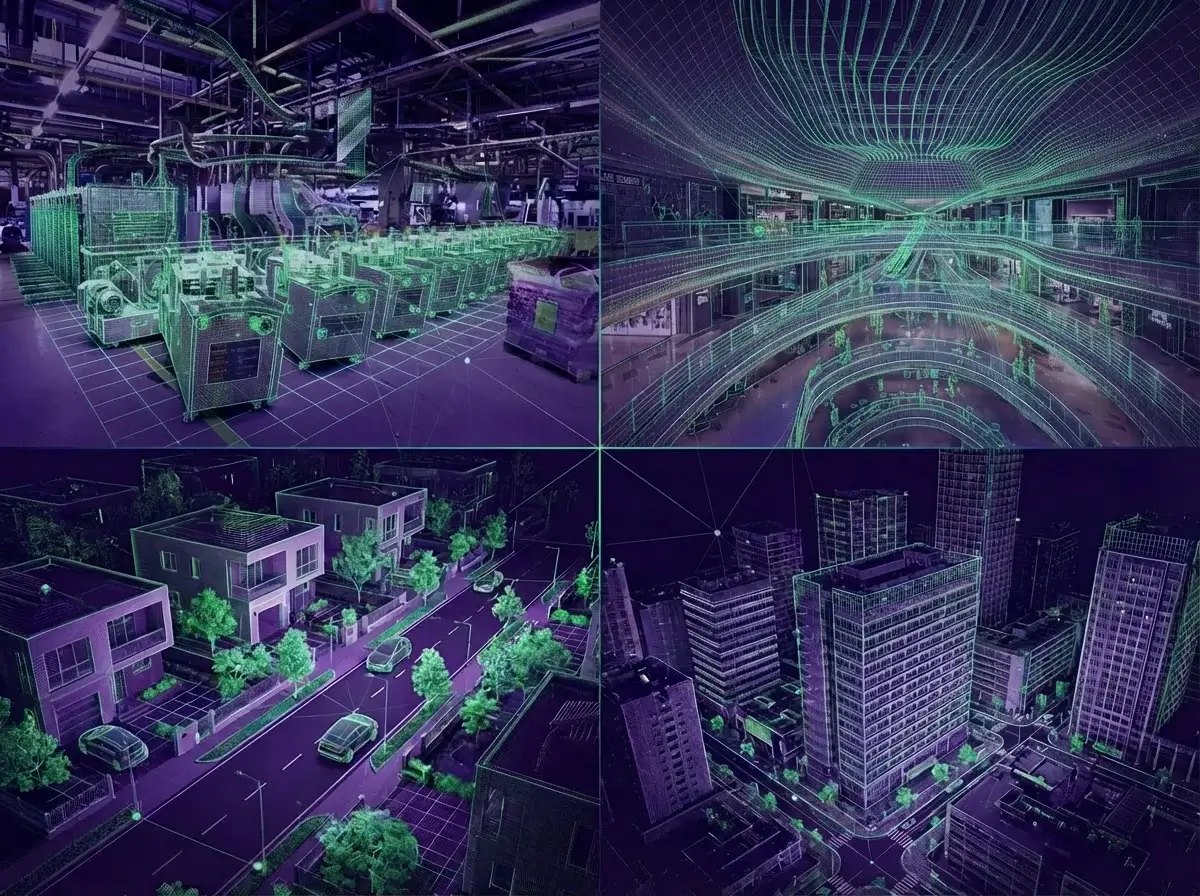
Composite image showing digital wireframe overlays on photos of an industrial facility, shopping mall interior, suburban neighborhood, and urban cityscape.
Accurate mapping across different venues
We fuse raw data coming from LiDAR with camera images to generate  photo-realistic and accurate maps with capabilities of novel view  synthesis that provide accurate and reliable long-term visual  localization.
Download App
Frequently asked questions
What are the steps to map a space using MultiSet AI?

To map a space using MultiSet AI, you can use the MultiSet app on your iPhone Pro or iPad Pro to scan the environment. Alternatively, you can import an existing scan into the platform for further processing and integration. Our platform supports a wide range of devices and scan formats, ensuring flexibility and ease of use for developers. Additionally, our technology supports LiDAR mapping and map stitching, allowing for the creation of detailed 3D spatial maps that can be used for various AR applications.

Can I bring in third-party scans?

Yes, We accept E57 files from providers such as Matterport, Leica, NavVis, XGrids, Faro and more, and we also support Matterport MatterPak files.

How large can one map be before I need MapSet?

A single map performs best up to ≈2,500 m². For larger footprints or multi-floor venues - split capture zones into logical sections and join them in a MapSet to preserve centimetre accuracy and fast look-ups.The MultiSet app can capture up to 5,000 sq ft (≈465 m²) in a single session. Larger areas can be broken into multiple sessions and merged later on the developer platform. For imports, a single E57 file can be as large as 50,000 sq ft (≈4,650 m²), and multiple files can be merged.

How much overlap should adjacent maps have?

We recommend 15 – 20 % visual overlap between neighbouring maps. This gives MapSet enough shared features to compute high-precision transforms and guarantee seamless hand-offs.

Can I update one area without re-mapping the whole venue?

Yes. Re-scan just the affected zone, upload the new fragment, and MapSet automatically realigns it while the rest of the venue stays online - no downtime or full rebuild required.

How do I geo-reference a map for outdoor or mixed-reality use?

Record the WGS-84 latitude, longitude, altitude and compass heading of your origin point, then enter those values in the project’s Geo Reference panel. Devices can then feed GPS or UWB HintPosition data for faster, more accurate localization.

Can I export maps to other spatial tools?

Yes. Maps and MapSets can be exported as OBJ or PLY with embedded transform metadata, letting you reuse geometry in BIM, game engines or digital-twin analytics platforms - no vendor lock-in.

How does MapSet enable large‐scale coverage?

MapSet stitches many smaller scans into one seamless “mega-map.” It preserves the detail of each fragment while providing a single coordinate system, so users experience uninterrupted navigation across rooms, floors and outdoor areas.